









How XTEN-AV Helped Tech Electronics Scale to 20+ $1 million AV Bids Without Growing Headcount
How Power Bridge Cut AV Proposal Preparation Effort by 30–50% With XTEN-AV
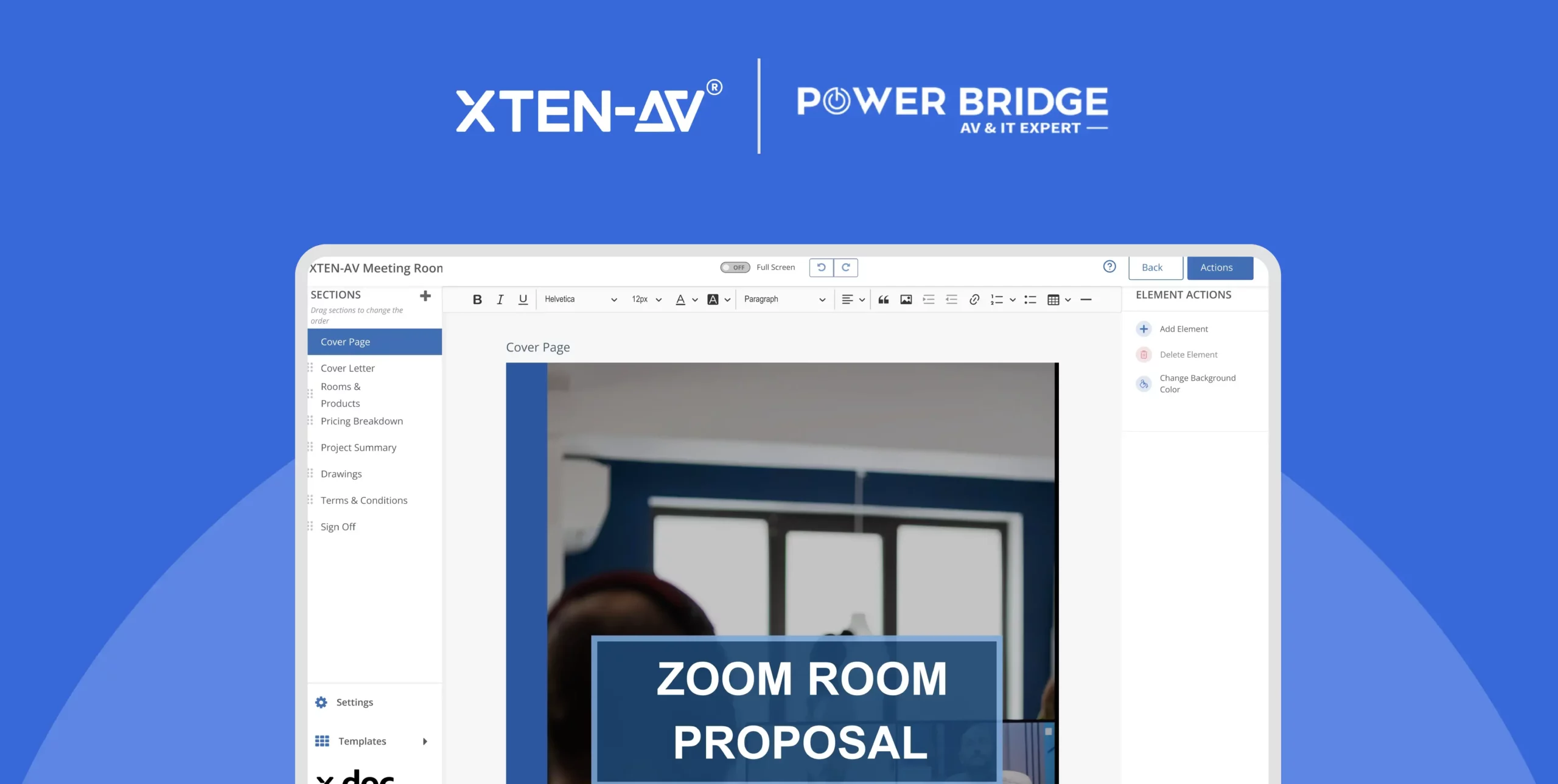
At a Glance
30–50% Less Proposal Preparation Effort
Reduced proposal preparation effort, depending on project complexity.
Connected AV Design and Proposals
AV schematics, bills of materials (BOMs), and proposals prepared within one platform.
Up to 12 Proposals a Day
Higher proposal output supported by reusable project data and standardized documentation.
Easier Project Revisions
Less manual effort when updating related project documents.
Fewer Manual Errors
Less repetitive data entry and fewer opportunities for calculation mistakes.
More Professional Client Presentations
Clearer technical proposals that help customers understand the solutions being offered.
An AV proposal needs to do more than present a price. Customers need to understand the equipment, how the system will work, and what the proposed solution delivers.
For AV integrators, preparing that level of detail can involve several disconnected tools. Designs are created in one application, equipment lists in another, and proposals in separate documents. When a customer requests a change, the team must update the relevant files and ensure everything remains consistent.
Power Bridge faced this challenge while preparing AV designs and proposals using Excel, AutoCAD, Word, and PowerPoint. Although each tool served a purpose, managing information across them added manual work to the pre-sales process.
After implementing XTEN-AV, Power Bridge reported a 30–50% reduction in proposal preparation effort, depending on project complexity. The team also reported producing up to 10 proposals a day, supported by reusable project data and standardized documents.
Here’s how Power Bridge improved its AV proposal workflow with XTEN-AV.
Power Bridge is an AV system integration company that designs and installs audiovisual solutions for business customers. Its projects include video conferencing, meeting room AV, collaboration systems, and digital workspaces.
Each project requires the team to understand customer requirements, select suitable equipment, plan system connections, and prepare the documentation needed to communicate the proposed solution.
This makes accurate AV design and efficient proposal preparation important parts of Power Bridge’s pre-sales process. The team needed a more consistent way to manage project information and prepare professional client proposals without spending unnecessary time on repetitive documentation.
Before implementing XTEN-AV, Power Bridge relied on multiple tools to prepare its AV designs, equipment lists, quotes, and client proposals.
Excel handled quotes and BOMs, AutoCAD was used for schematics, PowerPoint supported client presentations, and Word was used for solution briefs. Because the tools operated separately, project information had to be entered and updated across multiple documents.
When a customer requested a change, the team needed to check the relevant drawings, equipment lists, pricing, and proposal details to ensure everything remained aligned. Repeating this process added effort and increased the possibility of inconsistencies.
The team also wanted a standardized approach to proposal preparation. A price list alone could not communicate the complete AV solution or help customers understand the value behind the proposed equipment.
As the Power Bridge team explained:
“Before using XTEN-AV, we were using multiple tools to prepare the proposal, like Excel, Word, PowerPoint.”
Power Bridge needed a more connected workflow that could simplify documentation, reduce repetitive work, and help its pre-sales team prepare proposals more efficiently.
Power Bridge wasn’t simply looking for another AV drawing tool. It needed a solution that could bring AV design, equipment selection, BOMs, and proposal preparation together.
The team wanted to reduce manual data entry, maintain consistent project information, simplify revisions, and establish a standard proposal format across projects.
Most importantly, it wanted to spend less time managing documents and more time developing solutions that met customer requirements.
As the team put it:
“The main reason was efficiency and standardization.”
Power Bridge chose XTEN-AV to bring its AV design and proposal preparation workflows together in one platform.
With X-DRAW, the pre-sales team can create AV schematics, rack elevations, equipment lists, and other technical documents. With x.doc, the team can use project information to prepare structured, professional proposals for customers.
This connected approach helps reduce the need to manage drawings, BOMs, and proposals as entirely separate deliverables. It also supports greater consistency across project documentation.
As Power Bridge explained:
“The ability to create professional AV designs, bills of materials, diagrams, and proposals made XTEN-AV a strong fit for our business.”
By bringing these capabilities together, XTEN-AV gave Power Bridge a more standardized approach to preparing AV designs and client proposals.

1. Connected AV Design and Documentation
Previously, Power Bridge prepared different project documents using separate applications. The team had to manage information across drawings, equipment lists, quotes, and proposals.
With XTEN-AV, the team can prepare AV schematics, equipment lists, rack diagrams, elevation plans, and proposal content within one platform.
This reduces the need to copy project information between separate files and helps the pre-sales team manage related documentation more efficiently.
2. Faster Proposals Through Reusable Project Data
Preparing every proposal from scratch takes time, particularly when projects share similar equipment, system requirements, or design elements.
Power Bridge can reuse project information when preparing new designs and proposals. This helps the team avoid repeating the same manual tasks and maintain greater consistency across deliverables.
For straightforward projects, Power Bridge reports that proposal preparation can take about half the time it previously required. Across projects of varying complexity, the team estimates a 30–50% reduction in proposal preparation effort.
By making better use of reusable project data, the team can focus more on the requirements of each new project rather than recreating existing information.
3. More Professional Proposals That Support Client Decisions
A quotation provides pricing, but a well-structured technical proposal helps customers understand the equipment, connections, and scope of the proposed AV solution.
Power Bridge uses x.doc to prepare proposals that present project information in a clearer, more professional format.
In one customer interaction, a Power Bridge representative presented a proposal to a customer who already had two quotes in Excel. The customer responded positively to Power Bridge’s presentation, and the company subsequently won the order.
As the Power Bridge team recalled:
“After seeing our proposal, he leaned towards us because of the professionalism and the presentation.”
The experience highlights the role a clear, professional proposal can play in helping an integrator communicate its solution and differentiate its offering.
4. Easier Project Revisions
Customer requirements can change throughout the proposal process. Adding, removing, or replacing equipment may affect drawings, BOMs, pricing, and proposal details.
Previously, Power Bridge had to manage these updates across separate files. With XTEN-AV, the team can manage design changes alongside related project documentation, reducing the need for repetitive manual updates.
Keeping related project information aligned helps the team manage revisions more efficiently and reduces the effort required to check documents before presenting an updated proposal.
5. More Time for Design and Customer Requirements
Reducing repetitive documentation work gives Power Bridge’s pre-sales team more time to focus on system design, equipment selection, and customer needs.
Reusable project information and standardized documents also support greater proposal output. According to the interview, the team can prepare up to 12 proposals a day.
Rather than spending as much time on formatting and transferring information between applications, the team can direct more attention toward developing suitable AV solutions and responding to project requirements.
Most AV integrators already know where a project slows down: the handoffs between drawings, BOMs, and proposals. These takeaways cover what changes when that information stays connected.
Read More
Separate tools add steps. Drawings, BOMs, and proposals in different files mean more checking on every job.
Reusable data saves effort. New proposals go faster when you aren’t starting each design fresh.
Clients want more than a price. They need to see the equipment, the connections, and the scope of work.
Connected documents mean fewer errors. When project information stays in line, a design change is less risky.
Clear designs help sales. Engineers plan the system, and sales staff present documents that match it.
The clearest measure of what changed at Power Bridge is daily output. Before XTEN-AV, the pre-sales team built about 5 to 10 proposals a day. Now they build about 12.
“The number of proposals we can complete in a day has doubled. Before, we made around 5 to 6, or 10. Now we can make 12.”
Power Bridge also estimates that proposal prep now takes 30 to 50 percent less time, depending on the project.
Power Bridge’s experience demonstrates how a connected AV design and proposal workflow can help integrators reduce manual effort, standardize documentation, and present technical solutions more professionally.
By bringing AV schematics, BOMs, and proposals together in XTEN-AV, Power Bridge has improved the way its pre-sales team prepares and manages project documentation.
As the Power Bridge team puts it:
“XTEN-AV doesn’t just help us design AV systems faster. It enables us to sell our solutions more professionally.”
If your team is still preparing AV drawings, BOMs, and proposals across disconnected tools, XTEN-AV can help you explore a more connected approach to AV design and proposal preparation.
Watch the Power Bridge customer testimonial to hear about the team’s experience firsthand.