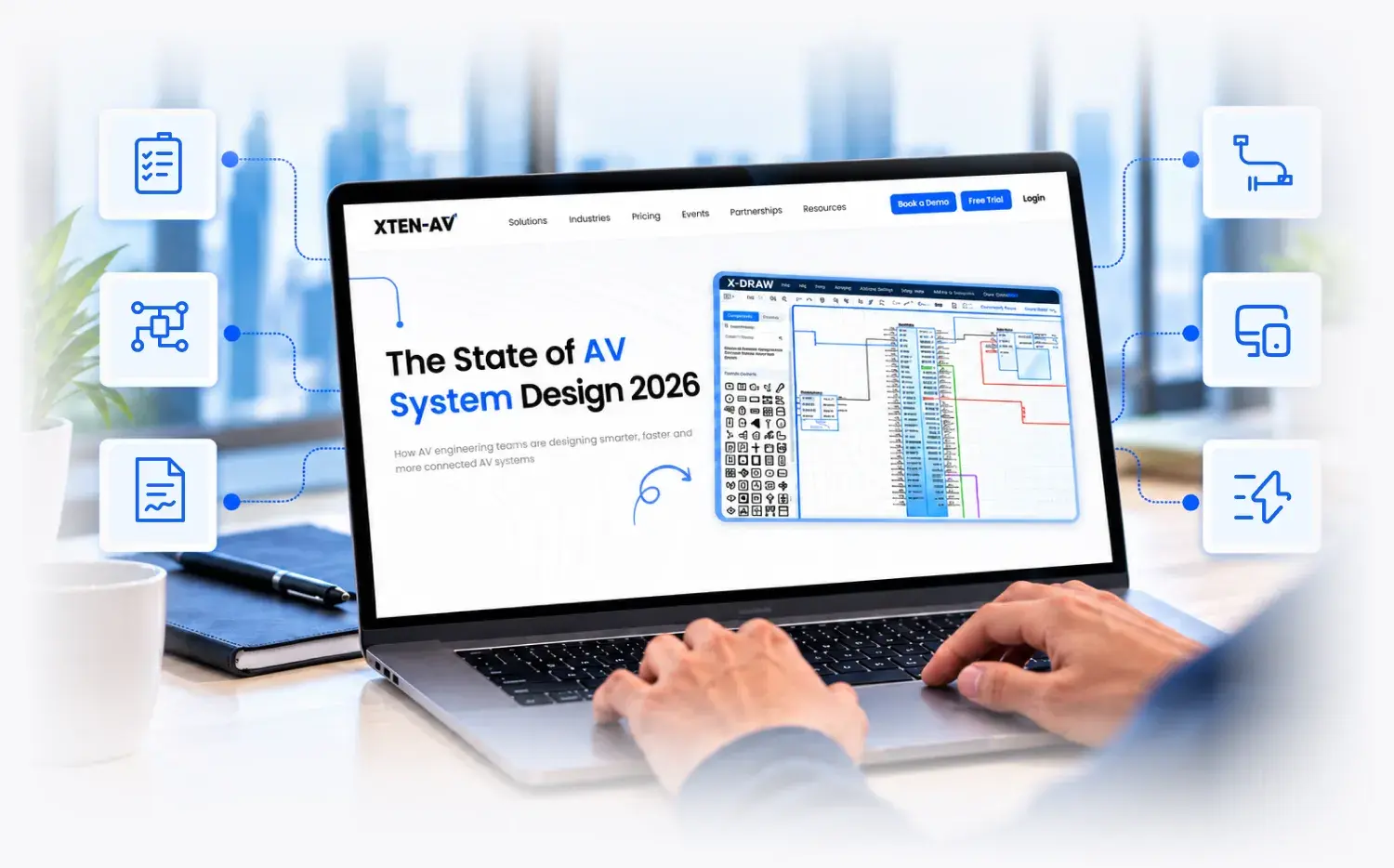
AV System Design Guide 2026: From Requirements Gathering to Installation-Ready Documentation
Plan your AV systems with more clarity. In this free whitepaper, learn the full AV system design process. Go from room needs and equipment choices to technical drawings and design checks. Build clear AV documents that installers can use on day one.
Trusted by
30,000+Users

4.7

Why XTEN-AV Is Trusted Worldwide


30,000+
Registered Users
Worldwide

$3B+
Worth of Proposals &
Designs


130+ Countries
Trusted by Users Worldwide

PATENT
USPTO Utility Patent
Holder
Get Your Free AV System Design Guide 2026

Learn how to turn project needs into a clear AV system design. Cover room planning, equipment selection, and final design review.

Build the core AV drawings. See how to create floor plans, signal flow diagrams, rack elevations, cable schedules, and bills of materials (BOMs).

Spot common AV design mistakes. Find device compatibility issues, poor equipment placement, and missing connections early.

Check your design before the field. Review signal paths, network needs, rack layouts, and equipment details.

Use a ready AV design checklist. Review each stage and prepare installation-ready AV documentation.

Trusted and Recognized Across the AV Industry
Trusted Innovators

AV Awards

What Are the Biggest Challenges in AV System Design?
A strong AV system starts with a clear plan. But room changes, device limits, and missing details can cause trouble before install day. Designers must check that every part fits the project.
Challenges

Unclear Project Requirements
Say the client’s brief is thin. Room sizes are a guess, and nobody has checked the ceiling height. That’s how the wrong display or mic ends up on the BOM.
Complex Device Connections
Displays, mics, DSPs, and control devices all have to talk to each other. One wrong port or a bad signal path, and the room won’t work on day one.
Inconsistent AV Documentation
Floor plans say one thing. The cable schedule says another. When BOMs and rack elevations sit in separate files, they rarely stay matched for long.
Frequent Equipment and Design Changes
A client swaps one device. Now rack space, cable runs, drawings, and costs all need a second look. Fixing each file by hand is slow, and it’s easy to miss one.
Time-Consuming AV Schematic Design
Drawing a schematic by hand takes a while. It takes even longer when a project has dozens of devices and tangled signal paths.
AI-Assisted & Connected Approach

Site Survey with X-DRAW
Log room measurements, photos, and site conditions with XTEN-AV Site Survey. Then lay out equipment in X-DRAW, using the real numbers from the space.
X-DRAW
Draw your AV schematics and signal flow diagrams in X-DRAW. The AI Connection Check then points out links that may be wrong, so you can look at them before the drawing goes out.
X-DRAW and x.doc
Build drawings, equipment lists, and cable schedules in X-DRAW. Then pull proposals and scopes of work into x.doc from that same project data.
X-DRAW and X-PRO Install
Edit once in X-DRAW and your linked drawings and project data stay in sync. X-PRO Install keeps tasks, schedules, and field updates current as the plan shifts.
Draw with AI in X-DRAW
Select your equipment and Draw with AI builds a first-pass schematic. You review it, edit what’s off, and shape it to fit your design.
Where Can Better AV System Design Make a Difference?
Explore how clear AV design plans and technical documents support common commercial AV projects.

Corporate Offices
Plan meeting rooms and boardrooms with clear display layouts, audio coverage, device connections, and control needs.

Higher Education
Create classroom and lecture hall AV designs with clear equipment plans, signal paths, and room layouts.

Multi-Site Enterprises
Use standard AV designs and consistent project documents across offices, buildings, and locations.
What AV Professionals Say About XTEN-AV


Awesome Cloud Base Software
“It has been a great experience using XTEN-AV compared to D-Tools. XTEN-AV is such a better tool to work with and easy to generate proposals much faster. Easy to use and learn! Easy to generate proposal with saved templates. Great library.”

XTEN Wins Bids
“Overall Xten has been a great decision for our company. XTEN-AV has made the switch very easy and has been very helpful with training sessions!”
Flexible & Easy AV Design
"Overall, I think it is a good product that offers unique flexibility to create diagrams and designs for our customers. Easy to add new items to our drawings through their database and even create a database of our own."
Great Starting Software
"Overall, it's a good software and great toolkit. It reduces costs for smaller companies by eliminating the need for 4 or 5 other software into a single package. It's relatively easy to use, full featured, and covers all the basics for an IT and AV company."
XTEN-AV for AV Line Schematics
"I have had a great experience, created my templates and defaults the way I wanted them but now my workflow and efficiency are much better. I like the customization and automation features that I have access to and control over."
The perfect software for Small Business Integrators!
"Surpassed all expectations! They thought of everything to reduce my workload! Templates for Proposals, Diagrams, Quotes, Invoices, etc are already well made and having the ability to customize each individual component to suit my needs is amazing!"
A serious competitor to D-Tools that becomes better every day.
"We use XTEN for the drawing feature. While D-Tools relies on AutoCAD or Visio for drawing, XTEN has X-DRAW built in with an AV specific toolset that works. Making your own blocks is fairly quick. With new products coming out constantly, that's a valuable service."
XTEN-AV For Non-Integrator
“Overall, I have enjoyed using XTEN-AV over the past 2+ years and appreciate their flexibility and willingness to listen to product suggestions. The ability to quickly create and use design templates for rooms that are repeatable.”
Best AV Project Software
“An absolute game changer! We now have complete AV diagrams that can be handed off to the install team. Drawing AV flows is easier & then generating a BOM from that to share with vendors is effortless. It has given back hours of time and can be accessed from anywhere.”
XTEN-AV is a MUST!
“My experience has been wonderful. You are given a dedicated agent from XTEN-AV to work with and they have live agent chat if you need help answering any questions! It's a very detailed program. You can keep track of your project from all stages.”
AV Designers Dream Come True
“Overall its a great tool that has lots of challenges to overcome in order to compete with big boys in the industry, however the start is great and I truly hope they invest into product devolvement and GUI improvements. BOM - Bill of Materials Design - On the fly changes”
Why I love XTEN-AV
“Overall my experience and expectations have been meet over and above what I imagined. BOM list build outs for ease of ordering parts and equipment.”
All-rounder & Powerful AV Design
“Fantastic! Starting to leverage other capabilities that we had not in the past and it is helpful in tracking progress of opportunities. I really appreciate that this product provides the ability to create a complete design from nothing to complete technical drawings.”
Best AV drawing platform for the Price!
“The drawing software to make professional cabling drawings for AV systems is a great alternative to Auto CAD. The growing library is a big plus with the ease of adding in products that may not be in the library.”
Long-time XTEN-AV user
“Love x.doc, it guides from proposals to final system documentation, and everything in between. But the star of the show is X-DRAW. XTEN-AV is intuitive, flexible and quick. The extensive library database of manufactures equipment models is a definite pro!”
Ease of Design
“I absolutely love the overall concept of providing constant gear updates and tools to allow for ease of designs.”
Happy new customer to XTEN-AV!
“Overall I think the service and the product in general is a lot for the money spent! The workflow in general is very intuitive, without leaving customizing out of the picture. The more I use the program, the more I like it!”
Ready to Create Installation-Ready AV System Designs?
Get the free AV System Design Guide 2026. Learn how to plan each step, check device connections, and prepare the documents installers need. XTEN-AV built this guide for AV designers and integrators.