







5 House of Worship AV Installation Mistakes that Cause Poor Audio Coverage

Sahil Dhingra
Published 17 SEPT 2026
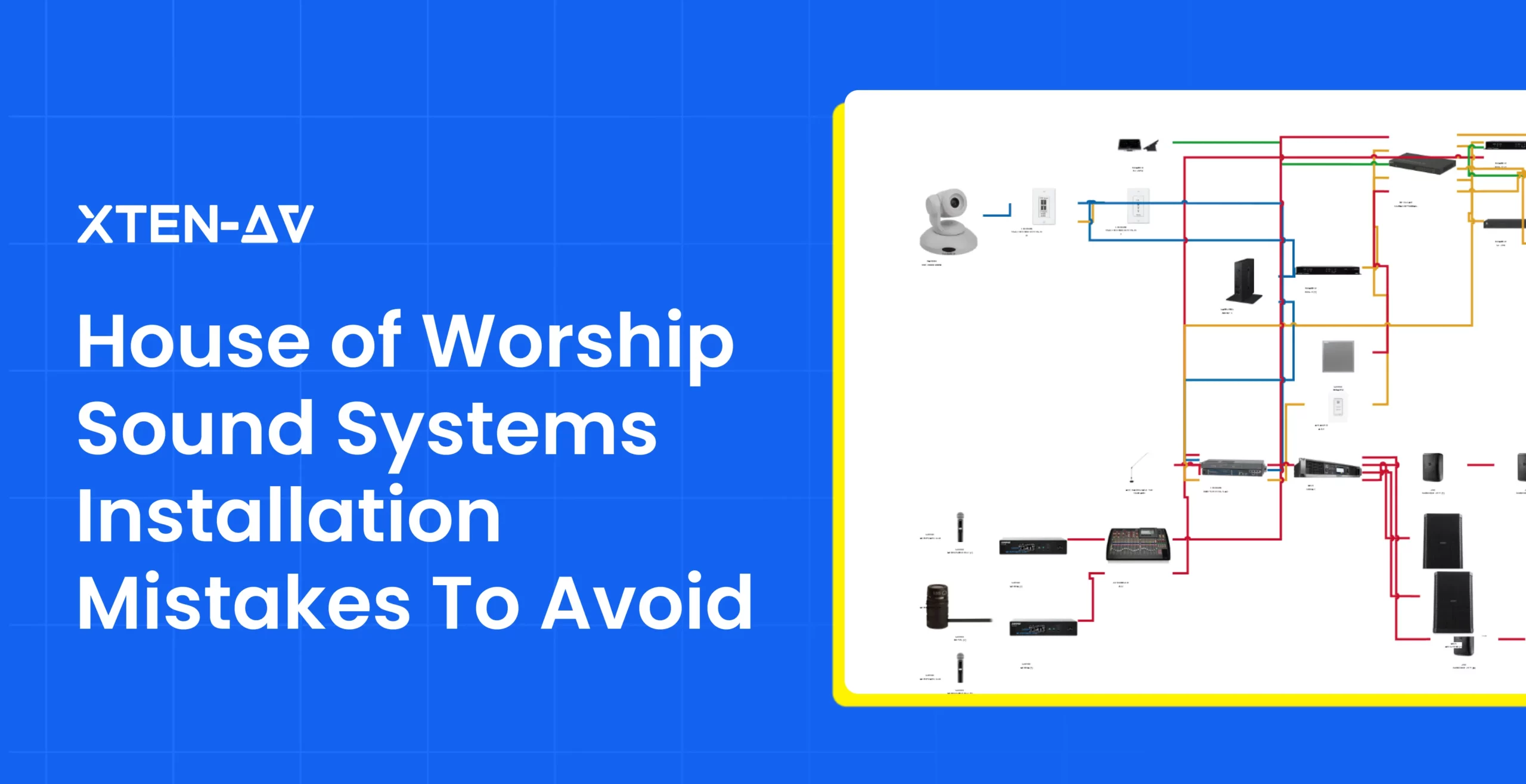
A successful house of worship audio visual installation must enable every person in the room to hear speech and music clearly. House of worship often features high ceilings, reflective surfaces, wide seating areas and unique architectural layouts, making consistent audio coverage dependent on careful system planning. Without accurate planning, the installed system may create coverage gaps, excessive speaker overlap, uneven volume levels, poor speech intelligibility or delay issues across the congregation. Correcting these problems after equipment has been installed can lead to increased labor, commissioning time and project costs.
“Providing intelligible speech and sound reproduction is the main purpose of any house of worship audio system.” — Biamp
This is why proper church sound system design and installation is a crucial part of AV planning. It involves more than selecting loudspeakers and deciding where to mount them. Loudspeaker placement, coverage angles, signal distribution, room acoustics, signal distribution and speaker zoning all affect how sound is delivered across the space.
For AV integrators and consultants, planning these elements before installation helps create a more predictable system design, clearer installation documentation and more consistent audio performance once the system is commissioned.
In this guide, we cover 5 common house of worship AV installation mistakes that can lead to poor audio coverage and explain how better design planning, speaker coverage mapping, system documentation and post-installation testing can improve system performance.
Key Takeaways
- House of worship audio visual installation needs to be planned carefully as room acoustics, seating layouts and architectural features affect sound coverage.
- A professionally designed and installed church sound system is essential for preventing dead zones, uneven SPL, excessive overlap and poor speech intelligibility.
- Planning speaker placement, dispersion, zoning and time alignment is critical to achieve uniform acoustic coverage and clear speech throughout a worship space.
- AV design software can support AV installations for houses of worship by connecting floor plans, signal-flow diagrams, BOMs, cable schedules and installation documentation.
Why Does Poor Audio Coverage Happen in the House of Worship?
Poor audio coverage in a house of worship occurs when speakers, room acoustics and seating areas are not properly aligned. Even high-quality audio equipment can perform badly if the system is not planned properly around the actual worship space.
Some of the common causes include:
Challenging Room Acoustics
House of worship includes high ceilings, hard walls, glass, stone, wood and other reflective surfaces. These increase reverberation because they bounce sound waves back into the room rather than absorbing them. When direct sound combines with strong, delayed reflections, it creates acoustic interference and extended reverberation that affects speech intelligibility.
Poor Speaker Placement and Aiming
Proper speaker placement requires balancing height, angle and distance to maintain consistent sound levels and eradicate dead zones. Mounting speakers too high, too low, too far apart or at the wrong angle can create dead zones and uneven sound levels. Proper church sound system design and installation should consider factors like speaker height, aiming angle, listener distance, room geometry analysis and sightlines before a single bracket is mounted to ensure every seat receives clear and intelligible sound.
Irregular Seating and Architectural Layouts
Worship spaces are not always simple and rectangular rooms. Side aisles, overflow areas, columns and stepped or tiered seating can create acoustics obstacles like reflections, shadowing and dead zones that can block or distort sound. These areas need to have separate speaker zones or different loudspeaker types to maintain consistent audio performance across all seating positions.
Incorrect Loudspeaker Coverage
Loudspeaker has a defined horizontal and vertical dispersion pattern. When a speaker’s dispersion is wider than the seating area, the sound hits side walls, ceilings and hard architectural surfaces. This leads to excessive reflections that affect speech intelligibility. It will be difficult to understand the sermon, even if the system is loud. On the other hand, when the dispersion is narrower than the seating area, the sound coverage becomes uneven. This means that if listeners are sitting on the outer edges, they may receive weaker direct sound along with more reflected and muffled audio.
Excessive Coverage Overlap
Using multiple loudspeakers in large worship spaces, the motive is to acquire even sound coverage and high speech intelligibility across every seat. Without proper coordination, multiple sound sources will fight each other, leading to destructive interference, echo and dead zones. Careful coverage planning is a critical part because it determines exactly where one loudspeaker’s acoustic footprint ends and another begins. When AV integrators properly manage these zones, they can minimize destructive interference and uneven volume levels across the listening area.
Why Is House of Worship AV Installation Different from Standard AV Installation?
House of worship AV installations differ from standard commercial AV projects. While a standard commercial AV project typically prioritizes uniform, predictable audio and automated control, a worship space is a dynamic, multi-use venue. House of worship sound systems must support several types of audio within the same space, including speech, live music, choirs, worship bands, recorded content and congregational participation.
As a result, AV installations for churches often require more detailed planning for speaker placement, dispersion, zoning, DSP configuration and time alignment.
| Factor | Standard AV Installation | House of Worship AV Installation |
| Audio requirements | Primarily presentations, speech and media playback. | Speech, choir, live music, worship bands and congregational audio. |
| Loudspeaker planning | Placement is often based on general room coverage requirements. | Placement must consider dispersion, aiming, sightlines and architectural limitations. |
| Room acoustics | More predictable and easier to manage. | Often includes high ceilings, reflective surfaces, irregular layouts. |
| Speaker coverage | Usually designed for predictable seating and room layouts. | Need to account for wide seating areas, balconies, side sections and uneven listening distances. |
| Live audio requirements | Usually not required. | May include microphones, instruments and live sound reinforcements. |
| Design documentation | Standard floor plans, equipment lists and signal diagrams. | Detailed speaker layouts, signal flow diagrams, cable schedules, zoning plans and installation documentation. |
What Are the 5 House of Worship AV Installation Mistakes that Cause Poor Audio Coverage?
Poor audio coverage in a house of worship typically stems from the result made before or during installation. The following are 5 common mistakes that can impact speech intelligibility, audio consistency and overall system performance.
Skipping the Room and Acoustic Assessment
Designing the AV system without evaluating the church space and its acoustic characteristics is considered as the most common mistake. Room dimensions, surface materials, seating layout and architectural features should be assessed before speaker placement and system design are finalized. Without this assessment, poor speech intelligibility, reflections, dead zones and inconsistent SPL levels can occur, making it difficult to deliver clear and balanced audio.
Positioning Loudspeakers Without Mapping Coverage
Placing loudspeakers without mapping intended coverage areas can result in inconsistent audio distribution. Some areas may receive weak direct sound, while others experience too much overlap between adjacent loudspeakers. Before finalizing installation, AV integrators should map loudspeaker placement, intended coverage zones and listener’s seating positions to make sure each area receives proper sound coverage.
Ignoring Speaker Dispersion, Aiming and Coverage Overlap
Loudspeaker’s horizontal and vertical dispersion characteristics determine how sound spreads through the room. Avoiding dispersion angles, aiming direction and coverage boundaries can lead to uncovered seating areas or overlapping between speakers. Proper loudspeaker placement and coverage planning are essential for achieving uniform sound pressure levels.
Failing to Zone and Time-Align Distributed Speakers
Large worship spaces often require multiple speaker zones to cover main seating areas, balconies, overflow spaces, or under-balcony sections. Without proper zoning and time alignment, differences in sound arrival time can create echoes, timing differences and unclear audio. Designing an effective distributed loudspeaker system and digital signal processor helps synchronize distributed speakers and maintain a more coherent listening experience.
Overlooking System Tuning and Coverage Testing After Installation
A well-planned AV system still requires final testing and calibration after installation. Ignoring SPL testing, DSP tuning, EQ, delay settings and final commissioning can cause the installed system to perform differently from the approved design and specifications. Testing the system helps verify consistent coverage and intelligibility across the worship space.
How Can Better Church Sound System Design and Installation Prevent Coverage Problems?
Better Church Sound System Design and Installation helps system engineers make coverage decisions before the device is mounted and cabled. Instead of addressing audio issues after installation, integrators can use room data, coverage needs, equipment specifications and system documentation to carefully plan how sound should be distributed across the worship space.
Assess the Worship Space and Acoustics
The physical and acoustic characteristics of the worship space should be documented. Carefully record room dimensions, seating areas, ceiling heights and architectural obstructions etc that may affect sound behavior.
This helps sound designers get the information they need to define listening areas and determine where additional coverage is required. These measurements can provide a stronger foundation for speaker placement, equipment planning and system documentation.
Map Speaker Coverage Before Installation
Planning speaker coverage against an actual floor plan ensures even sound distribution and eradicates acoustic dead zones or hot spots. Mapping the intended coverage area helps in identifying where main speakers, front fills, under-balcony speakers or delay speakers may be required.
It also enables the designer to review speaker orientation and coverage boundaries before mounting positions are finalized.
Select the Right Loudspeakers and Equipment
Coverage requirements of the space should be directly aligned with the equipment selection for optimal performance, cost-effectiveness and efficiency. Factors such as loudspeaker dispersion, output capability, mounting options, frequency response and intended application should all be evaluated against the room and audience area.
Supporting equipment should match the core system design to ensure efficiency, safety and peak performance. When there is no alignment of components with the primary system specifications, this gives rise to operational bottlenecks and leads to significant safety risks.
Plan Speaker Zones and Time Alignment
Large worship spaces usually require strategic placement of multiple loudspeakers to reach the entire congregation for clear and even sound distribution across the whole space. When these locations are divided into logical audio zones, it gives integrators control over how audio is distributed throughout the space.
By treating main seating, balconies, front rows, overflow spaces and under-balcony sections as independent zones, sound designers can apply precise Digital Signal Processor (DSP) settings tailored to each area. This will help in overcoming challenges like echoes, shadows and time delays.
Tune and Test the Installed System
AV system design should continue through the commissioning process in order to verify that installed assets meet the operational requirements. After completing the installation, the system needs to be tested against the coverage goals defined during the planning stage.
AV technicians can verify loudspeaker levels, DSP settings, delay, crossover configurations and system behavior to bridge the gap between theoretical system design and real-world room acoustics. Because physical spaces introduce reflections, resonance and absorption.
How Can AV Design Software Improve House of Worship AV Installation?
AV design software streamlines audio visual integration by synchronizing system schematics, equipment lists and installation documentation into a single connected platform. For a house of worship, this is mainly useful because speaker locations, signal paths, equipment selection and installation details need to remain coordinated as the design evolves.
Purpose-built software for house of worship AV can help AV professionals visualize the system before installation, maintain accurate project data and provide field teams with the technical information required to install the approved design.
Floor Plan-Based AV Design
A floor plan is the most critical starting point for designing a house of worship AV system. It gives geometric and structural data required to ensure every person in the congregation can see and hear without any strain. By importing existing floor plans AV designers can augment their existing drawings 10x, eliminating the need to recreate from scratch. X-DRAW by XTEN-AV which is a specialized AV design and diagramming platform allows AV professionals to upload existing AutoCAD or Visio floor plans and overlay AV design on existing layouts. Hence, integrators plan the AV system directly on the existing floor plan and coordinate device placement within the actual room layout when it comes to AV installations for houses of worship.
Speaker and Device Placement
Once the floor plan is available, AV professionals can place system devices within the design and show where AV equipment is intended to be located. X-DRAW supports floor-plan views with AV device placements and can also generate speaker placement diagrams on the ceiling plan based on device positions in the drawing. This will help designers and installers with a clearer visual reference for loudspeakers and other AV equipment across the space.
Signal-Flow Diagrams
A floor plan provides the physical layout of devices, it rarely shows the functional relationship between components and installers needed both for a complete understanding. The software can generate an automated signal flow diagram which shows the visual diagram of audio and video signal paths generated automatically from device connections. Hence, AV engineers can understand how microphones, DSPs, amplifiers, loudspeakers and other system components are interconnected.
AV Product Selection
Product selection is another crucial part of AV system design. X-DRAW includes a searchable library of 1.5 million products from more than 5,200 AV brands, along with an AI-powered Search Sense tool designed to find the right product from 1.5M items instantly. This allows integrators working on house of worship AV solutions to select products while building the design rather than maintaining a separate equipment research process. Selected house of worship AV equipment can then remain connected to the system drawing and supporting project documentation.
Bill of Material Creation
The Bill of Material translates the system design into the equipment list required by pre-sales, procurement and project managers. Bill of Material (BOM) can be generated directly from the completed drawing and includes the complete equipment list with quantities and part numbers. When BOM is connected to the drawing, the equipment list stays aligned with the products included in the system design.

Cable and Device Schedules
Cable documentation is significant when a system includes multiple connected devices as it gives a complete cable list with source, destination, cable type and label. X-DRAW provides automatic cable labelling, styling and scheduling for AV cables, eliminating manual cable management and giving installers accurate and labelled schedules. For installers, these schedules provide a structured reference for cable routing, identification and device connections during the project.

Installation Documentation
AV design software can generate installation documentation from the completed design, including line schematics, BOMs, signal-flow diagrams, rack layouts, cable schedules, ceiling speaker layouts, floor plans, front elevations, specification sheets and other technical documents. This means the system design can serve as the basis for multiple project deliverables rather than requiring teams to recreate the same information in separate files. AV designers, engineers, procurement teams and installers can work from documents generated from the same underlying design.
Plan Your Next House of Worship AV Installation with Confidence
Conclusion
A successful house of worship audio visual installation is a result of coordinating room acoustics, loudspeaker coverage, zoning and system tuning around the worship space. This helps in determining how consistently speech and music reach every seating area.
For AV integrators, accurate church sound system design and installation requires detailed drawings, signal-flow diagrams, equipment data, BOMs, cable schedules and installation documentation. AV design software for house of worship can keep all the information aligned from design through commissioning. Using AV design software can keep all this information aligned from design through commissioning, giving installers a clearer technical reference for installing a reliable house of worship audio visual system. Book a demo to see how XTEN-AV can help you plan, document, and manage house of worship AV system designs with greater accuracy.
Audio Visual System Design Mastery + Winning Proposals = 10x Productivity!
- ✔ Automatic Cable Labeling & Styling
- ✔ 100+ Free Proposal Templates
- ✔ Upload & Create Floor Plans
- ✔ 1.5M+ Products from 5200 Brands
- ✔ AI-powered 'Search Sense'
- ✔ Legally Binding Digital Signatures

FAQs
It is the process of planning, selecting, placing, connecting and commissioning audio equipment for a worship space.
Uneven coverage can result from poor speaker placement, incorrect dispersion, room reflections, or improper time alignment.
Carefully assess the room acoustics, map speaker coverage, select suitable loudspeakers, plan zoning and final tuning to confirm consistent coverage across listening areas.
Speaker height, angle, spacing and placement position determine how evenly sound reaches every seating position. Poor placements lead to excessive overlap, dead zones and inconsistent sound levels.
An acoustic assessment helps AV designers understand how room dimensions, materials and architectural features affect real-world sound performance.
Speaker time alignment uses DSP delay to make sound from different speakers reach the listener at the exact same time.
AV design software such as X-DRAW by XTEN-AV can create floor plans, signal-flow diagrams, cable schedules, BOMs and other technical drawings, giving AV designers a structured environment for planning and documenting the complete system.
AV design software gives teams accurate drawings, device locations, cable details and system connection information, helping installers follow the approved design during equipment placement, cabling, setup and commissioning.

Explore more by topic
Related Blogs

-

- Posted by Sahil Dhingra

Audio Visual AV Commissioning Checklist & Best Practices for Integrators Sahil Dhingra...

-
- Posted by Sahil Dhingra
Audio Visual AV Cybersecurity Best Practices: Securing Networked Audiovisual Systems Sahil Dhingra...
-
- Posted by Sahil Dhingra
Audio Visual 7 Best Floor Plan Software for AV System Integrators Sahil...





